
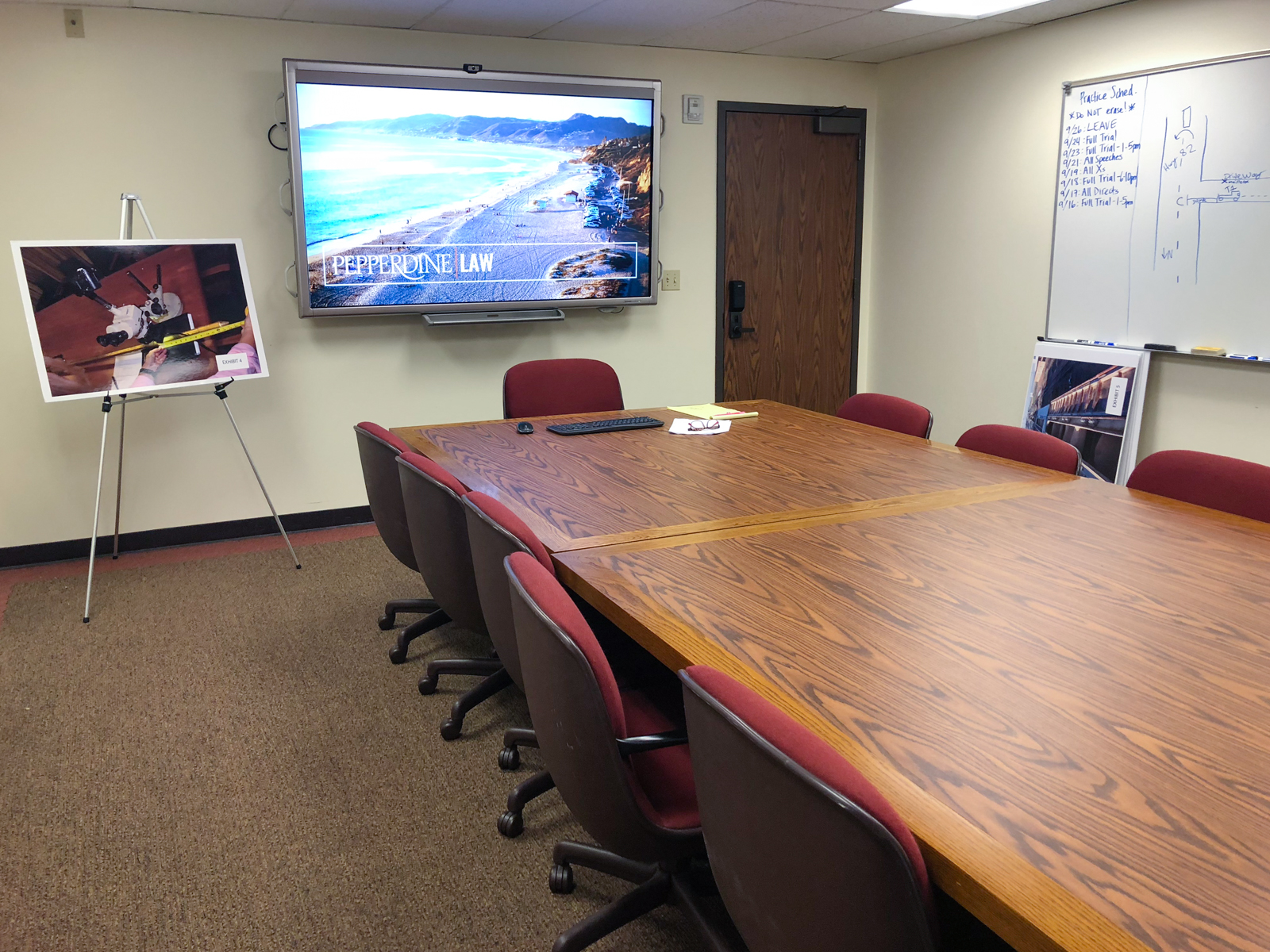
Jury Room
Professor’s View
Smart Screen
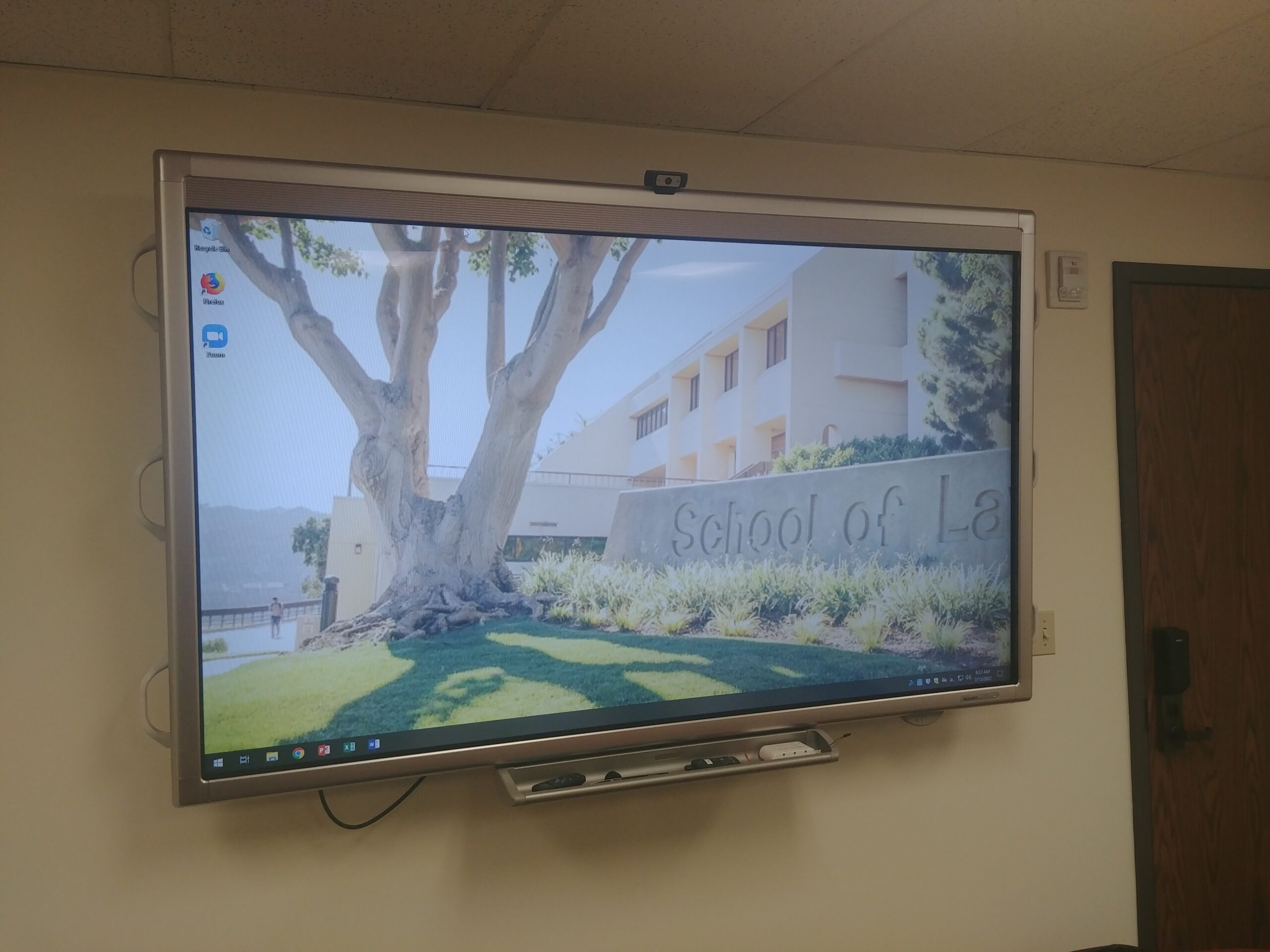
The smart presenter screen is located at the front of the room and has touch screen/annotation capabilities. The screen also serves as a monitor for the integrated computer system in the room, which can be controlled with the included wireless keyboard and mouse.
Smart Control Panel
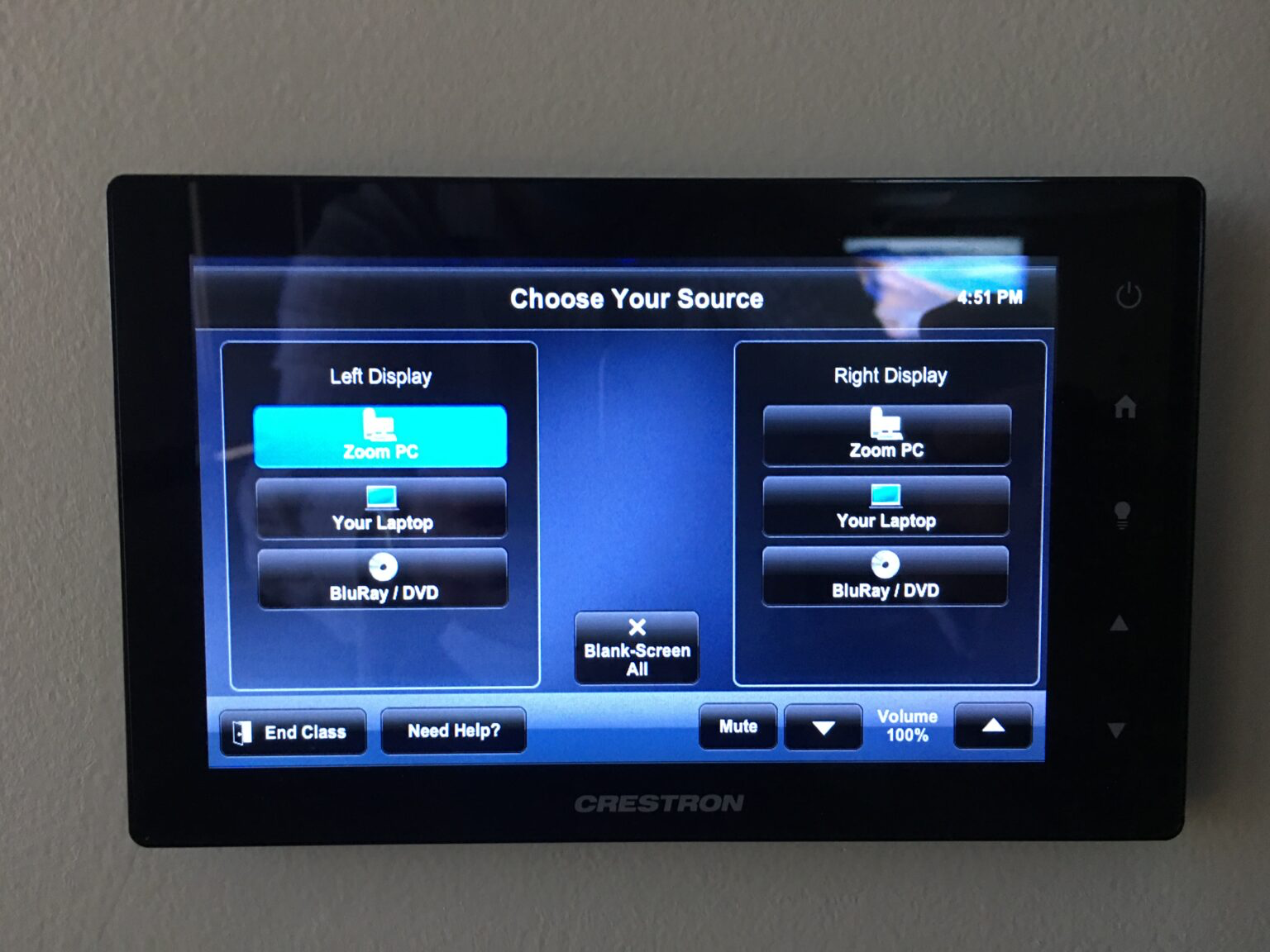
This is the monitor located on the wall on the far right side of the countertop. Touch power to power on, then choose your source as “Zoom PC” in order to project the classroom computer on screen.
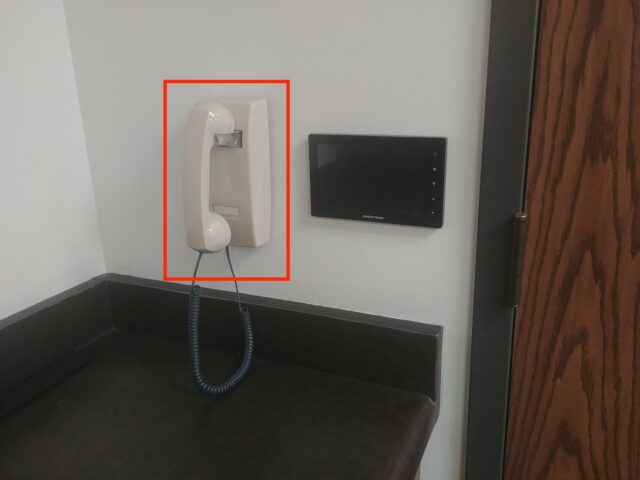
TS Help Line
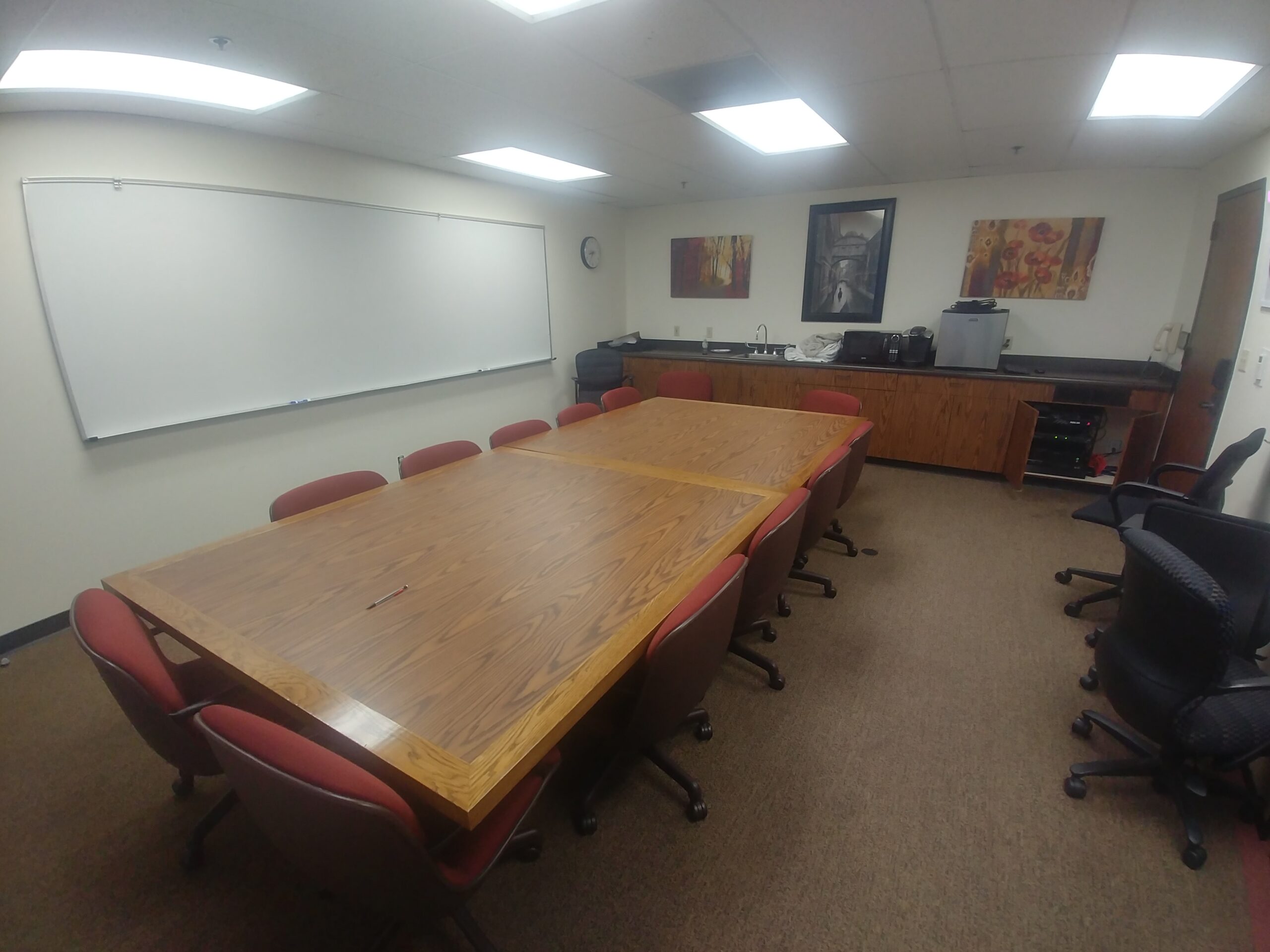
There is a landline located on the wall in the corner of the room. In order to contact a member of Technology Services, just pick up the phone, and you will be connected automatically to a TS team representative who will be happy to help you with whatever problem you may have.
If you have any questions, please feel free to contact Technology Services at lawtech@pepperdine.edu or (310) 506-7425.