

The Microsoft Office suite is a family of software that delivers almost any tool imaginable to assist users at home and in business. Here, Pepperdine Caruso Law TS helps break down the different applications available.
NOTE: We always recommend that you INSTALL and USE the local copy of MS Word (actually install it on your computer’s hard drive) rather than use the online version (accessed through your web browser) when working on law school projects or pleadings for court. The features you need for law-specific document creation are not all available to you in the online version of Word.
Students and Faculty can purchase this software at a significant discount through Microsoft’s education store; Office 365 is even available for free.
Please click here to create a valid education account through Microsoft 365 using your Pepperdine account. Your Pepperdine account does not automatically come with the license and must be created through this link. Link leads to the page shown below. Note: Educational license can take up to 24 hours to apply to your account.
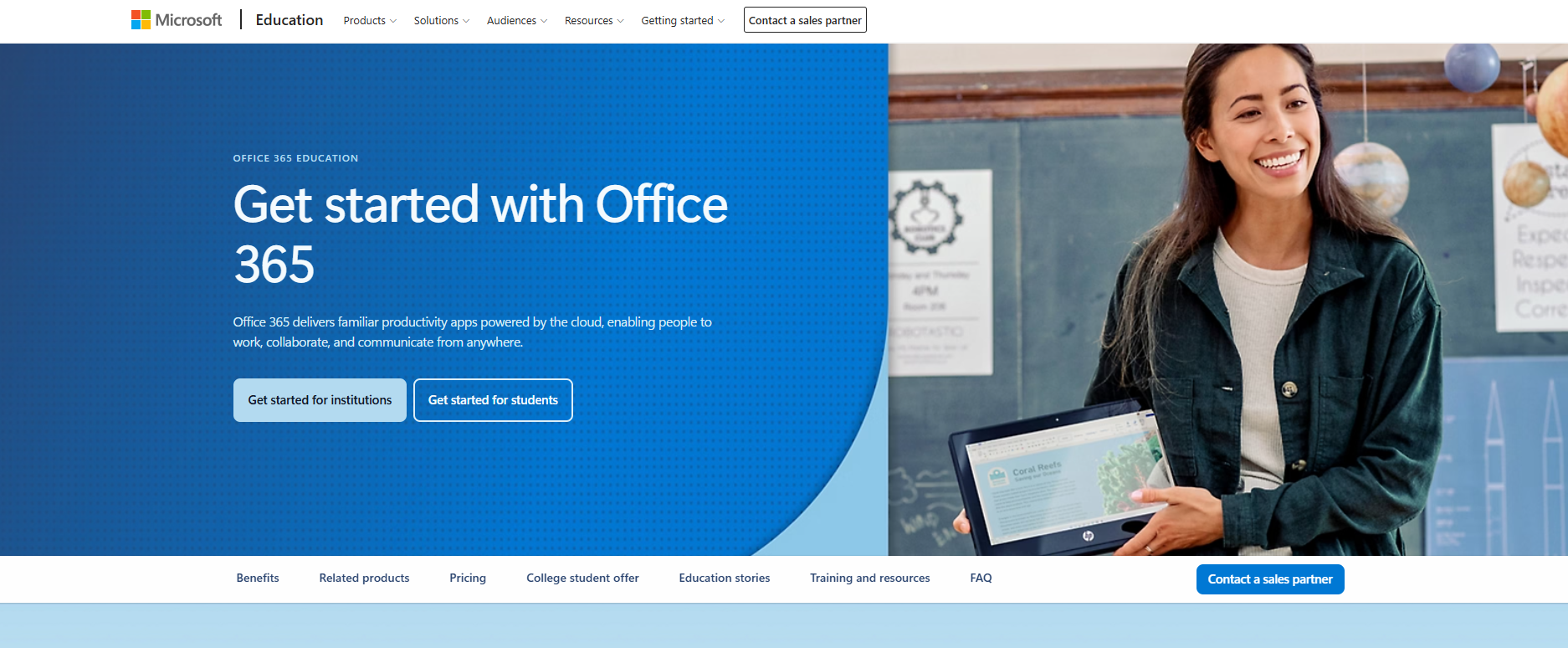
- Click on the “Get Started for Institutions” button to access the account creation portal.
- Follow the prompts and create your account!
After creating your account, you can download Office apps such as Word and Excel onto your personal laptop by navigating to the Apps page and clicking the Install Apps button. Located below is an in depth guide on the process.
Click here for the guide

Click on “Apps” on the sidebar

Click on “Install Apps” on the top right of the page to install “Microsoft 365 Apps”
Click the link below to view the Pepperdine IT Student Discount page: http://community.pepperdine.edu/it/students/newstudents/student-discount.htm
Microsoft Word

Microsoft Word may be the most popular application under the Microsoft Office suite. Word is a powerful word processing software that is heavily used in the field of law, specifically for legal document creation and formatting. Click here for some common Microsoft Word tips and tricks for lawyers!
Microsoft Outlook

Microsoft Outlook is an all-in-one information manager for personal emails, contacts, calendars, tasks, and notes. It is said to be the second most used Microsoft Office application for lawyers, after Microsoft Word. For more interesting information on how to incorporate Outlook’s benefits in a law office, click here.
Microsoft PowerPoint

Microsoft PowerPoint is a slideshow presentation software commonly used for meetings, business proposals, and industry talks. PowerPoint is known to boost memory retention when it comes to presenting information.
Microsoft Excel

Microsoft Excel is an incredibly popular spreadsheet software tool. This application may be valuable for analyzing, presenting, and sharing data-intensive cases. Many Excel applications exist for case evaluation and management, as well as law firm budgeting.
Microsoft Access

Microsoft Access is a database management system, usually utilized to create business applications from templates or scratch. This is frequently used for lawyer contract tracking and appointment tracking.