

ExamSoft can email or text you when exams download/upload:
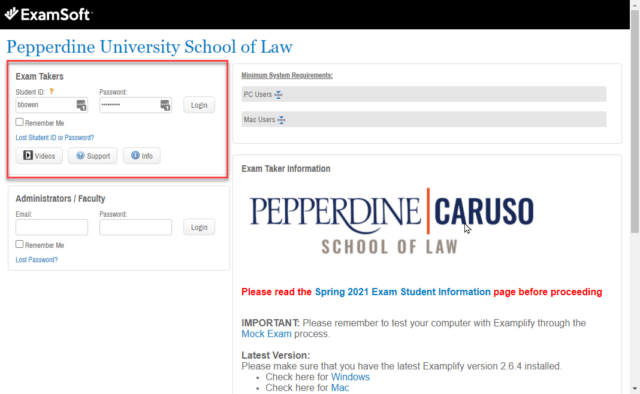
- Sign in at https://ei.examsoft.com/GKWeb/login/pepperdinelaw with your ExamSoft exam-taker credentials.
- Find notification / contact settings (often near the bottom of the account/profile area; UI wording can change).
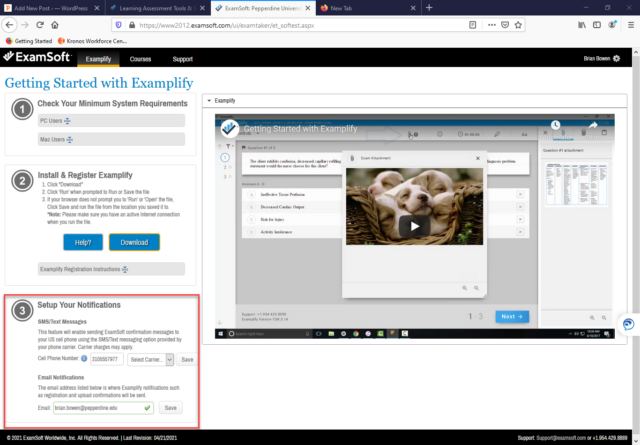
- Enter a reliable email address and mobile number; save.
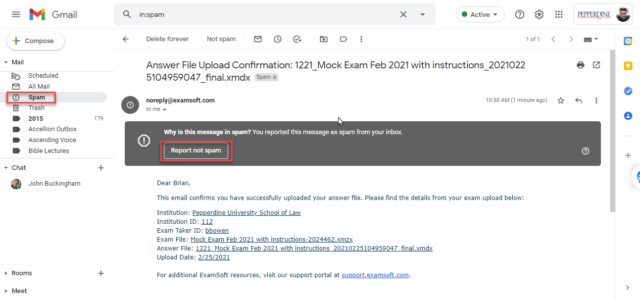
- Whitelist ExamSoft messages so receipts do not land in spam.
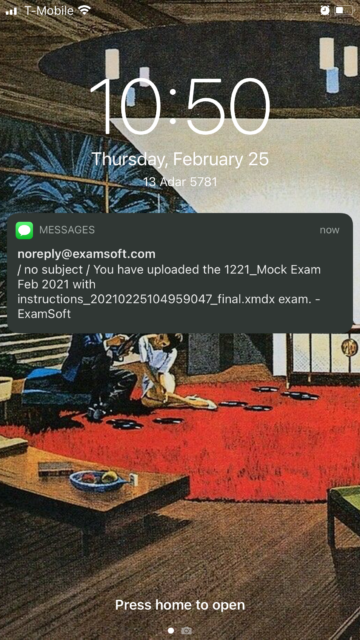
A text notification looks like this:
Screenshots are from an earlier Examplify version; your screens may look slightly different.
Questions? Contact Technology Services at lawtech@pepperdine.edu or (310) 506-6417 (Public Services Desk, Harnish Law Library).