

Pepperdine Caruso School of Law uses ExamSoft Examplify for many midterms and finals. If you will type your exam, install and register Examplify before exam week.
Requirements (last checked 2026-11-19): 64-bit Windows 11 version 24H2 or later, or macOS Sequoia or later, with the Examplify version offered on the Caruso Law portal (ExamSoft currently supports 3.12.0 and 3.10.0). See ExamSoft’s minimum system requirements.
Download timing: exams are usually available to download about one week before the exam — watch for the Technology Services email.
- Go to the Caruso Law ExamSoft portal: https://ei.examsoft.com/GKWeb/login/pepperdinelaw (also reachable at examsoft.com/pepperdinelaw). Sign in under Exam Takers (not the administrator/faculty login).
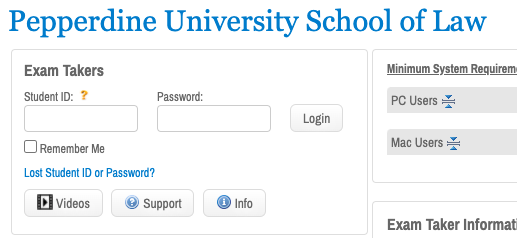
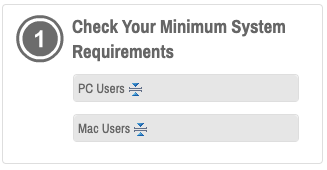
- Sign in with the ExamSoft credentials provided for your exams. On the Getting Started with Examplify page, confirm your computer meets the minimum system requirements.
- Download the Examplify installer for your Mac or Windows laptop from the portal, install it, and complete registration:
- Under Install and Register Examplify, click Download.
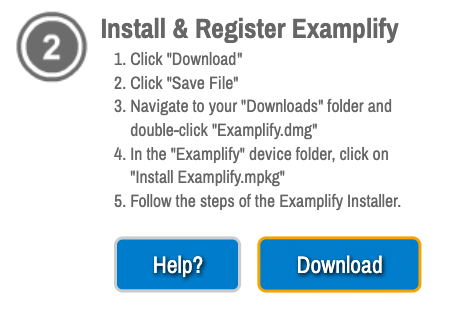
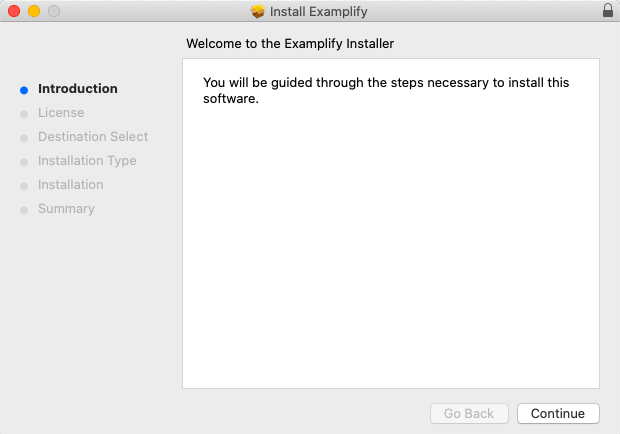
- Open the downloaded installer from your Downloads folder and follow the Examplify Installer steps.

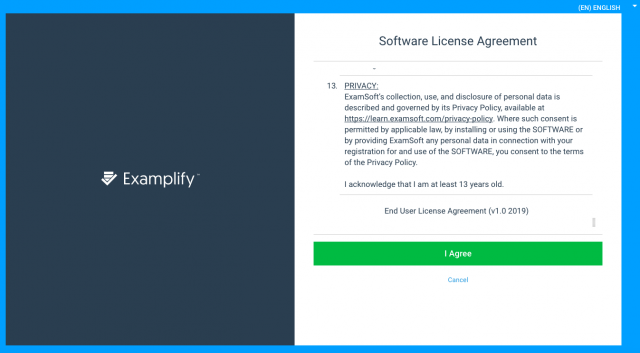
- When Examplify opens, accept the license agreement (I Agree).
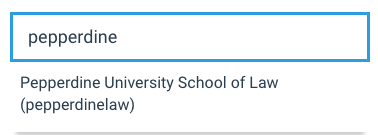
- When asked for your institution, type Pepperdine University School of Law and select Next.

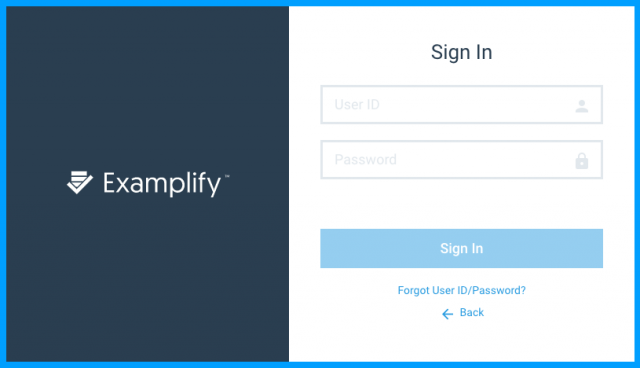
- Sign in to Examplify with the same ExamSoft username and password.
- The Examplify home screen lists the mock and real exams registered to your account.
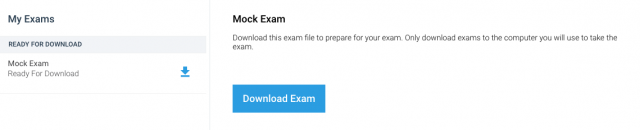
- Under Install and Register Examplify, click Download.
- Take any required mock exam and confirm uploads succeed.
Before updating macOS or Windows close to exams, check current Examplify system requirements or ask LawTech.
Screenshots are from an earlier Examplify version; your screens may look slightly different.
ExamSoft test-taker support: (866) 429-8889 or examsoft.com/support.
Questions? Contact Technology Services at lawtech@pepperdine.edu or (310) 506-6417 (Public Services Desk, Harnish Law Library).